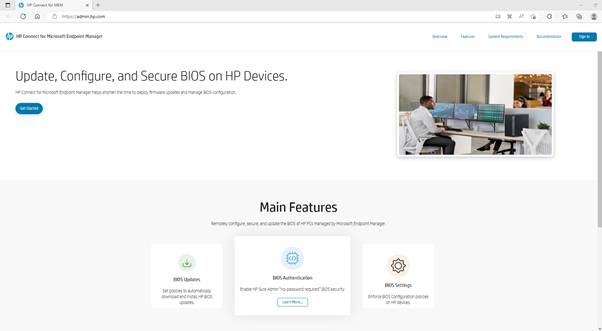
HP Connect for Microsoft Endpoint Manager (https://connect.admin.hp.com) is a cloud application designed to ease the management of UEFI BIOS on supported HP systems. HP Connect has a framework to develop BIOS management policies that are published to Microsoft Endpoint Manager device groups.
While HP Connect creates the policies, Endpoint Manager (Intune) executes them as compliance proactive remediations. No additional software is required to be downloaded or installed in each device.
HP Connect for Microsoft Endpoint Manager supports the following type of policies:
- BIOS Updates
- Always up to dateCritical versions only
- Specific version for a platform
- BIOS Settings
- Supported on a per platform basis
- Global Settings policy applies across platforms
- BIOS Authentication
- HP Sure Admin (HP Sure Admin Info sheet)
- Passwords
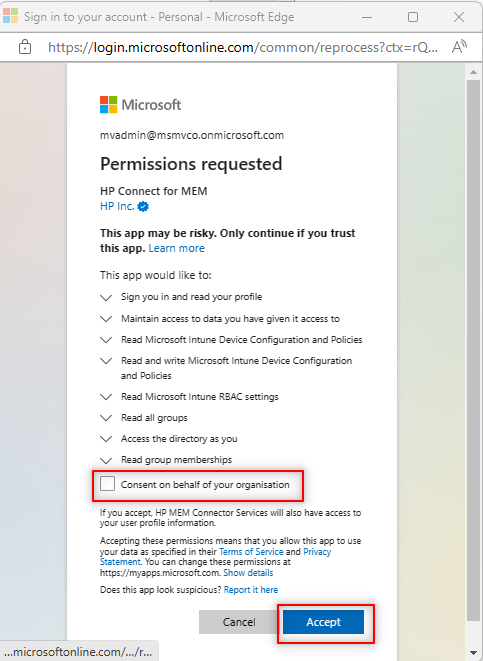
To interact with Microsoft Entra ID and Endpoint Manager, HP Connect requires certain permissions to access the company tenant. Permissions are used to search for and obtain device group information, and to publish policies. A tenant Global Administrator can accept these permissions on behalf of the entire organization.
Go to HP Connect for MEM and sign-in with a Gloabal administrator account.
Consent to access the Entra ID information is required to create the HP Connect application in Azure.
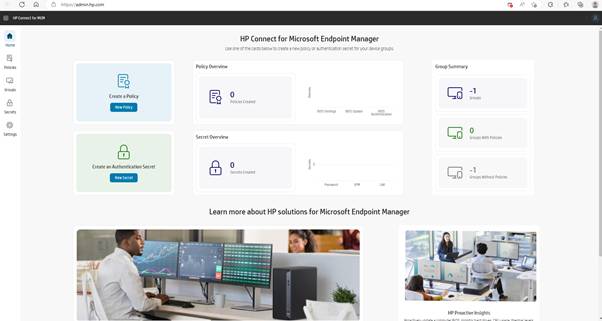
Upon logging in, the initial count for devices and policies will be 0 and -1, respectively.
The applications related to HP Connect are registered in Azure

The application process has granted the necessary permissions within Azure AD
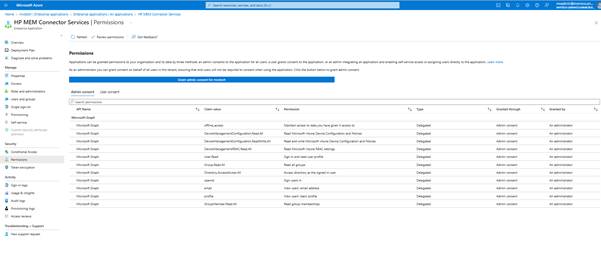
Provide the necessary consent to grant permission for accessing the Entra ID group
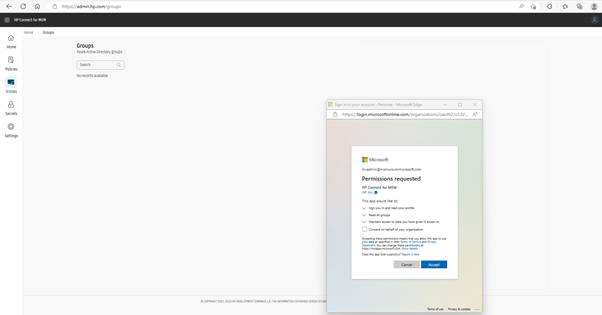
The above consent will provide the access to the group that are reuired to assign the BIOS Setting, Update rules.
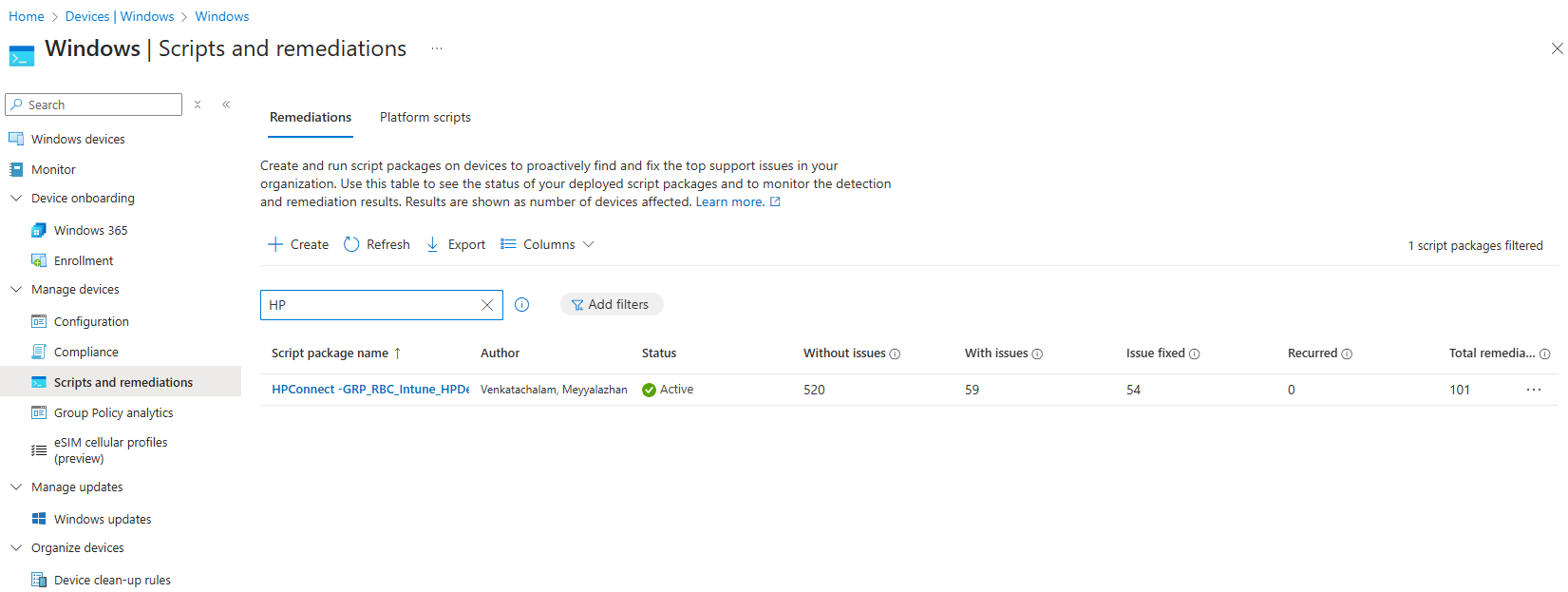
Upon the successful creation of the required BIOS settings and update configurations, the resulting rules will be listed under remediation scripts in Intune.



Leave a Reply